

Type :emoji: anywhere on macOS. Free, open-source tool for instant emoji search in any app—TextEdit, iMessage, Terminal, and more.
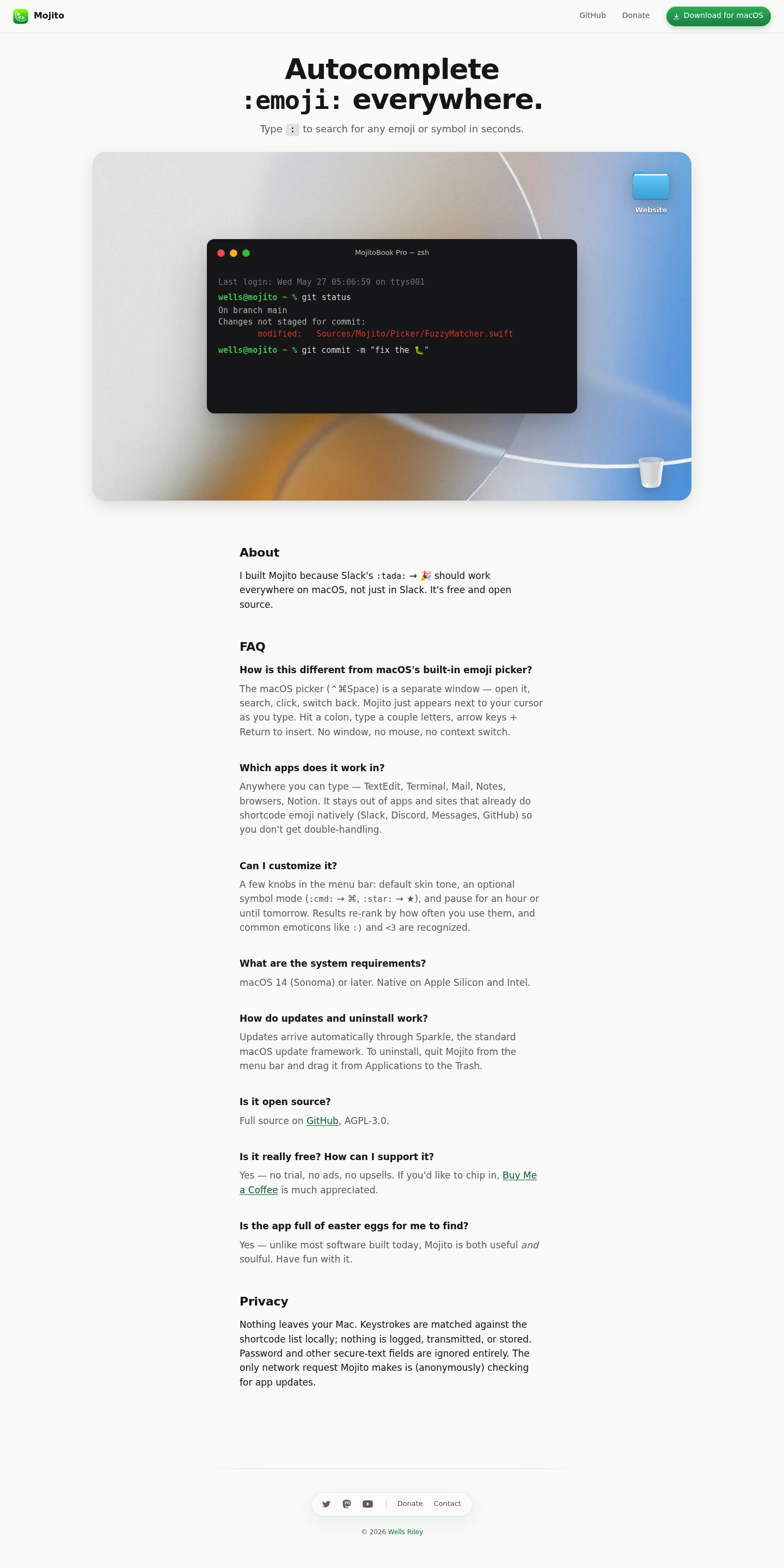
Mojito brings the beloved Slack-style emoji autocomplete to every corner of macOS. Simply type a colon followed by a few letters, and watch emoji appear instantly next to your cursor — no window switching, no mouse required.
Mojito is built for macOS power users who value efficiency and keyboard-driven workflows — writers, developers, designers, and anyone who communicates digitally and wants the speed of Slack's emoji picker everywhere they type. The app is completely free, open source, and runs natively on both Apple Silicon and Intel Macs with macOS 14 or later.

Like Claude Design For Email marketing

MCP-native self-updating context layer for your AI

Make your own personal website with bento tiles

OpenClaw in Slack that makes your company autonomous

Track who's advertising across podcasts w/ campaign insights

Generate and iterate UI screens with AI on a live canvas

Build AI apps with Postgres, RAG, and agents

Record on Apple Watch. Sync with Claude

Outbound campaigns powered by real buying signals

AI that learns how you work and turns it into software